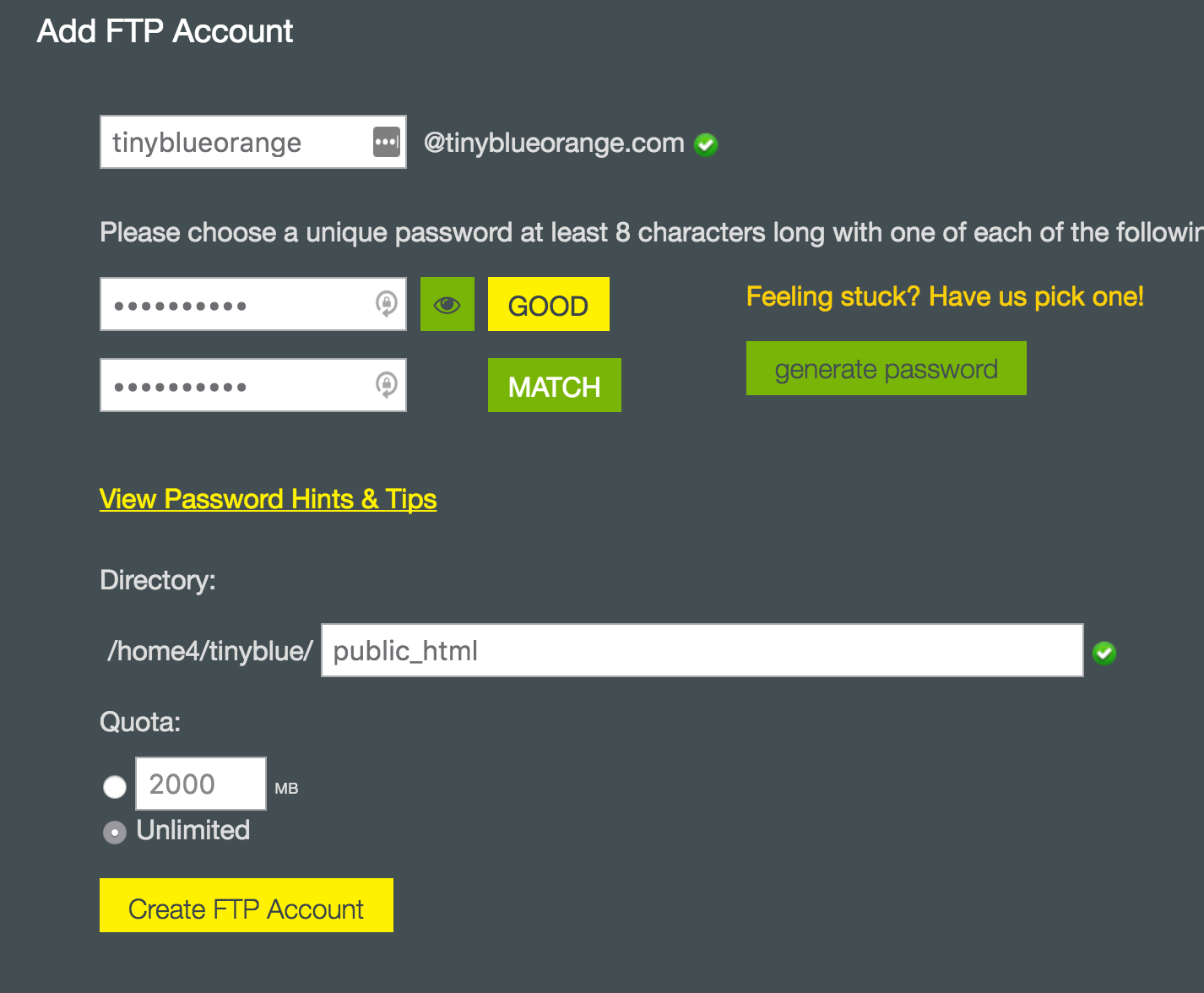
Instead of sharing your own hosting SFTP info, we ask that you create a tiny blue orange account using the steps below. That way your password stays safe + we can set our own secure one. If you cannot find SFTP, but see FTP, they are essentially the same thing + will work for us.
- log into your hosting account
- head to Hosting > cPanel if it does not default you there
- click on SFTP Accounts or SFTP Manager
(they are sometimes labeled differently) - enter tinyblueorange as the login
- use the generate password button to create a strong + secure password
(make sure you copy the password to submit) - set the directory to public_html
- set the quota to Unlimited
- click the Create SFTP Account button
- submit the new password + hosting company info to the form below
Submit new SFTP account details
Note: shown below is a screenshot from HostMonster, so your cPanel view may look different if you are using a different hosting company.