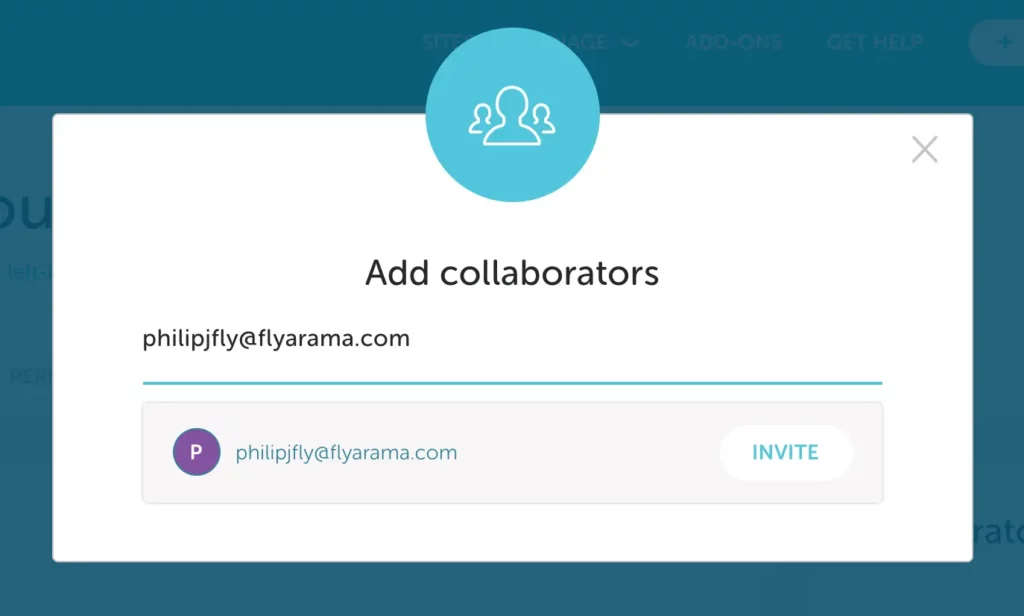
We love that you’re already on Flywheel for hosting! To keep your passwords secure + private, you can add a collaborator to your site + then we will have access to everything that we need.
Bonus points: this allows us to request support from their help desk too.
- log into your Flywheel dashboard: https://app.getflywheel.com/login
- click on the site you want to share with us
- from the “overview” tab, click “+ add collaborators” in the right column
- in the pop-up, type alison@tinyblueorange.com
- click the “invite” button that appears
From here, Flywheel will send an invitation that we will accept. That’s it!