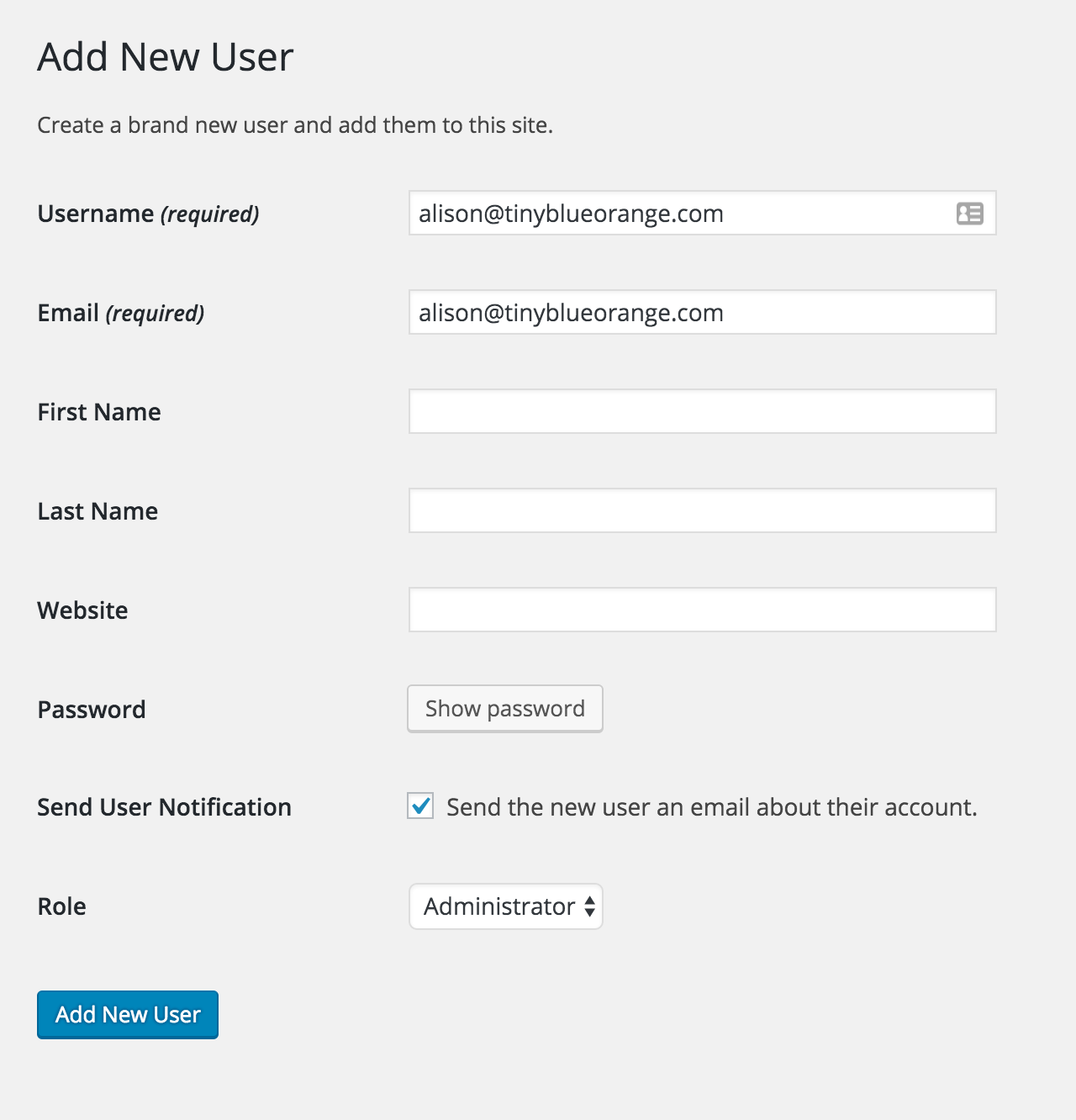
Instead of sharing your own site login info, we ask that you create a tiny blue orange admin account using the steps below. That way your password stays safe, we can set our own secure one + there is one more way to access your site if one account is hacked.
- log into your WordPress dashboard
- choose Users > Add New from the lefthand menu
- set the Username as alison@tinyblueorange.com
note: you can use a different username if you’d like, this is one example of a secure username option. - set the Email Address to alison@tinyblueorange.com
- leave Send User Notification checked
- set the Role to administrator
- click the Add New User button
That’s it! We’ll get an email with login details + instructions to set our secure password.